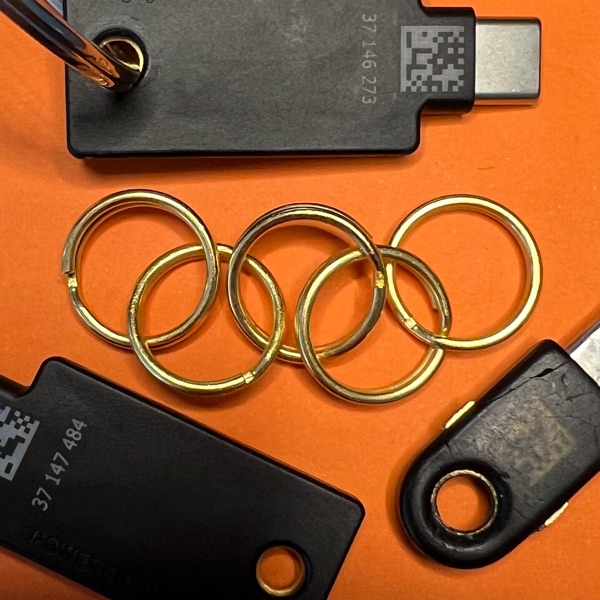
YubiClicker
YubiClicker is Cookie Clicker, except every click is a FIDO2 assertion from a physical key tap. Climb a public leaderboard by out-tapping your opponents. YubiKey, Titan, Feitian, Solo, and Nitrokey all qualify.
A browser extension has hooked
navigator.credentials,
likely a password manager such as 1Password.
If a prompt offers to save a passkey, dismiss it and pick the
physical security-key option instead. Software passkeys can register
and play but don’t qualify for the leaderboard.
Plug in your security key.
Leaderboards
Best clock-minute
Longest streak
By key type
Prior art
In 2021, Cloudflare experimented with a CAPTCHA replacement called Cryptographic Attestation of Personhood that verified humans with a physical user presence check on a security key. The main criticism then was that the touch could be automated. Here though, for a game, I think that’s a cool way to win. Below is the full list of what should beat the boards, and what shouldn’t.
Ways to top the leaderboard
If the implementation holds, the only ways to win are:
- Tap fast.
- Automate the tap to a physical key.
- Exploit a hardware vulnerability like EUCLEAK.
These shouldn’t be possible if I understand correctly:
- Pass attestation checks with a non-hardware key.
- Move a hardware-backed credential into software.
- Import a software-known credential into supported hardware.
If you find that any of these are possible, please email security@yubiclicker.com.
Leaderboard rules
What the boards prove: you have a hardware key, and its touch sensor was activated serially.
Though you’ll need a physical security key to get on the leaderboards, anyone with a passkey can register and play. Software passkeys from 1Password, Bitwarden, iCloud Keychain, Google Password Manager, and Windows Hello should work, but they don’t require a physical tap per click the way a hardware key does, so the experience isn’t quite right.
Register sets attestation: "direct",
asking the authenticator to return a signed attestation
statement. Browsers prompt for extra consent because attestation
can be a cross-site fingerprint, but here, it’s just
for leaderboard eligibility. The server chain-verifies the
statement’s x5c against the per-vendor
attestationRootCertificates that the
FIDO Metadata
Service v3 (MDS3) publishes for that AAGUID, then checks
the AAGUID against an allowlist that requires at least one
FIDO_CERTIFIED* statusReport and no
ATTESTATION_KEY_COMPROMISE,
USER_VERIFICATION_BYPASS, or
REVOKED entries.
YubiClicker requires user presence (UP), not user verification (UV). UP is a flag the authenticator firmware sets in the assertion. On allowlisted hardware that flag means a touch, no PIN or biometric read. Credentials are discoverable, and there are no usernames or cookies.
If registration says you’re ineligible
The accepted hardware:
- YubiKey 5 series, every variant including 5 NFC, 5C, 5C NFC, 5Ci, 5C Nano, 5 FIPS, and the 5.7 generation
- YubiKey Bio, FIDO and Multi-protocol editions
- Security Key by Yubico, USB and NFC
- Google Titan T1, T2, and legacy Bluetooth
- Feitian ePass FIDO2 USB-A and USB-C, K9, K40
- SoloKey 2
- Nitrokey 3, USB-A, USB-C, NFC
If you’re trying to use one of these but attestation
comes back as fmt: "none", likely a
software passkey provider such as 1Password handled registration
instead of your hardware key. The credential is stored and you
can sort of play, but it won’t appear on any leaderboard.
Three ways to route the next registration to your security key:
- Dismiss the provider’s popup.
- Pick the security key inside that popup. 1Password on Chrome has a button for it.
- Turn off the provider’s WebAuthn intercept in its settings.
If your device should be on the list and isn’t, or you’re having any other trouble, email security@yubiclicker.com.